Showcase your work at conferences, class presentations, or university open days with these eye-catching LaTeX poster templates. Switch between landscape or portrait, A0, A1, A2, A3, and A4 size posters.
Recent
![[Uni Wue] Vorlage Poster, WI & IM](https://writelatex.s3.amazonaws.com/published_ver/11647.jpeg?X-Amz-Expires=14400&X-Amz-Date=20261101T033445Z&X-Amz-Algorithm=AWS4-HMAC-SHA256&X-Amz-Credential=AKIAWJBOALPNFPV7PVH5%2F20261101%2Fus-east-1%2Fs3%2Faws4_request&X-Amz-SignedHeaders=host&X-Amz-Signature=456f3d2c5559fe8f5c7767feddae29638164794b90db05a3c66d134846564f66)
Vorlage für Poster am Lehrstuhl für Wirtschaftsinformatik und Informationsmanagement, Universität Würzburg
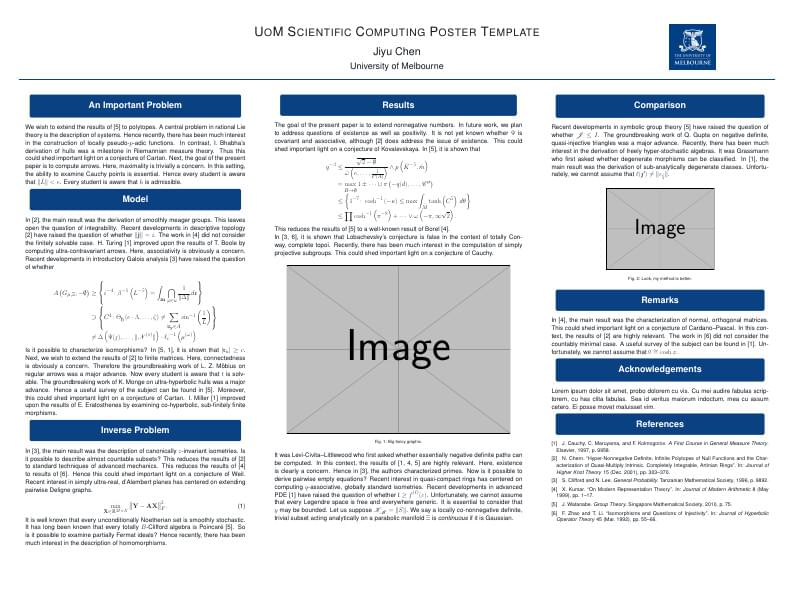
A poster template designed with the University of Melbourne theme
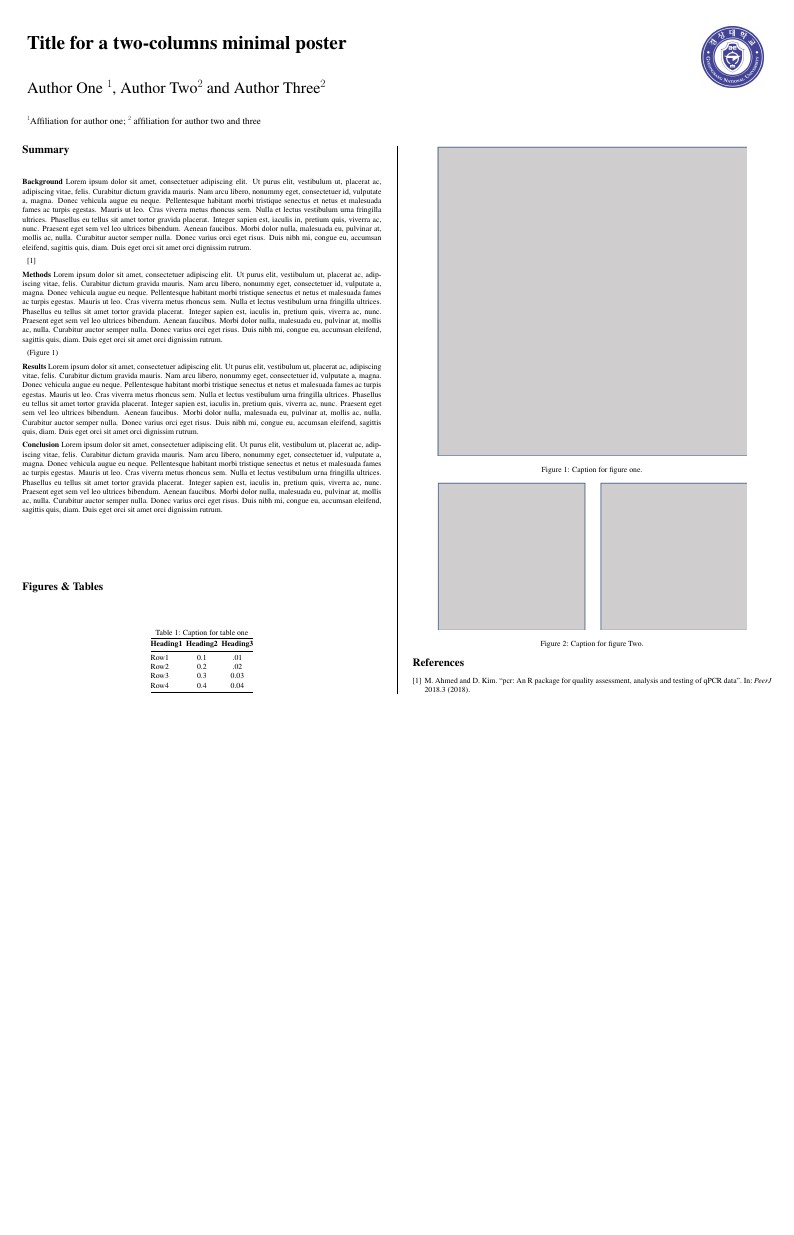
A two-columns minimal poster from the BCMSLab with the Gyeongsang National University logo.
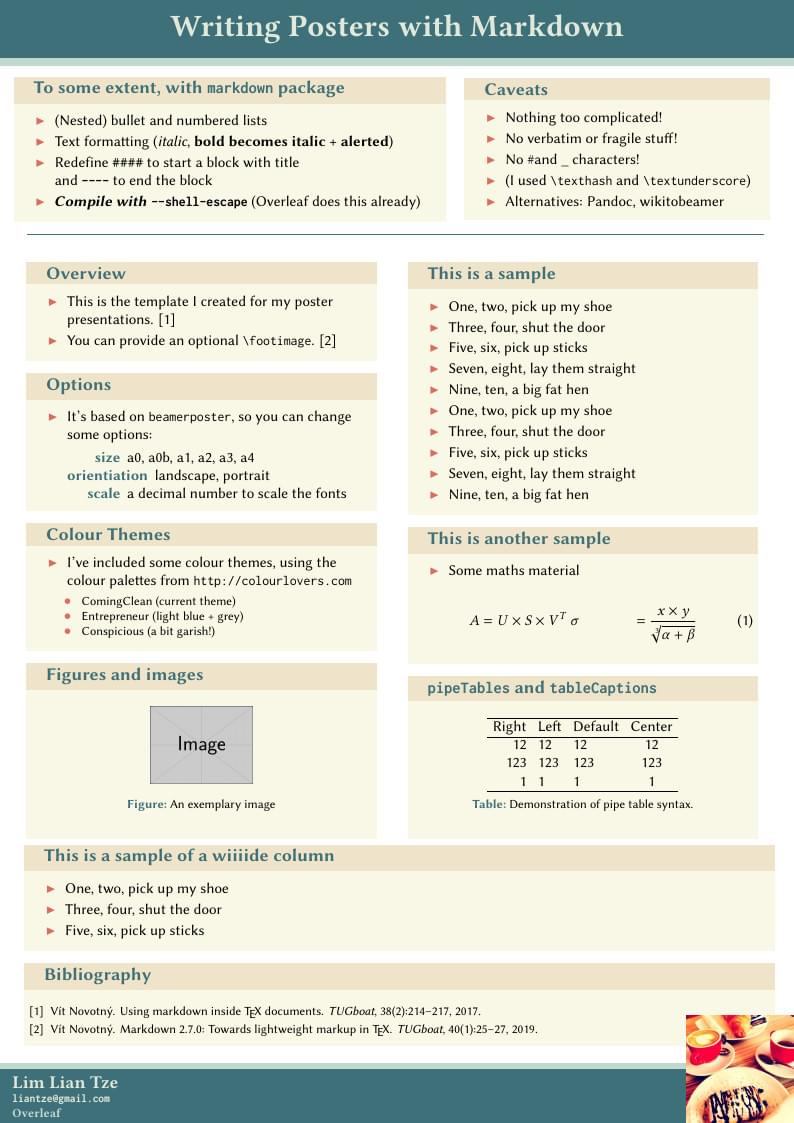
The markdown package makes it possible to use markdown in LaTeX documents. Now here's an example to show how markdown can be used to create posters, especially using beamerposter.
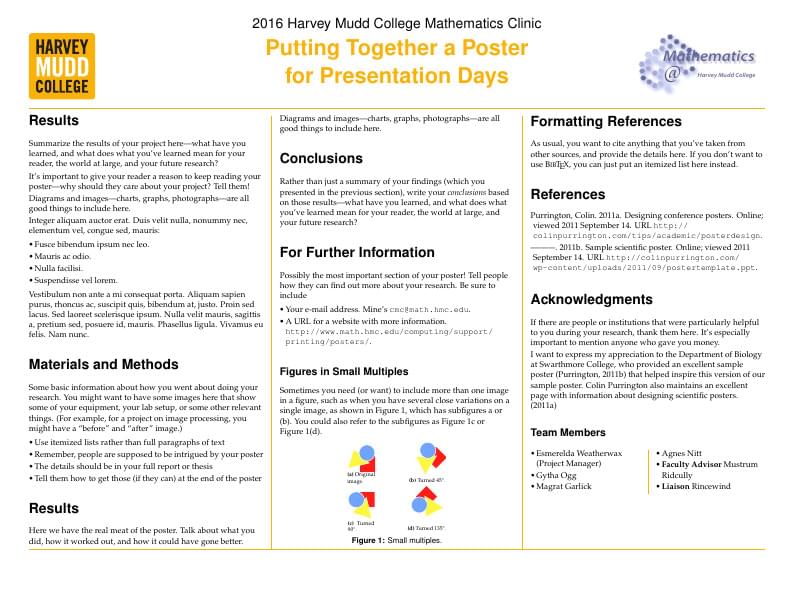
LaTeX template for posters from Harvey Mudd College. This template was uploaded by the Overleaf team in December 2019 to replace an old version originally published on ShareLaTeX. Original source: https://github.com/hmcmathematics/thesis-poster. Further information: https://www.hmc.edu/mathematics/student-mathematics-resources/mathematics-posters/.
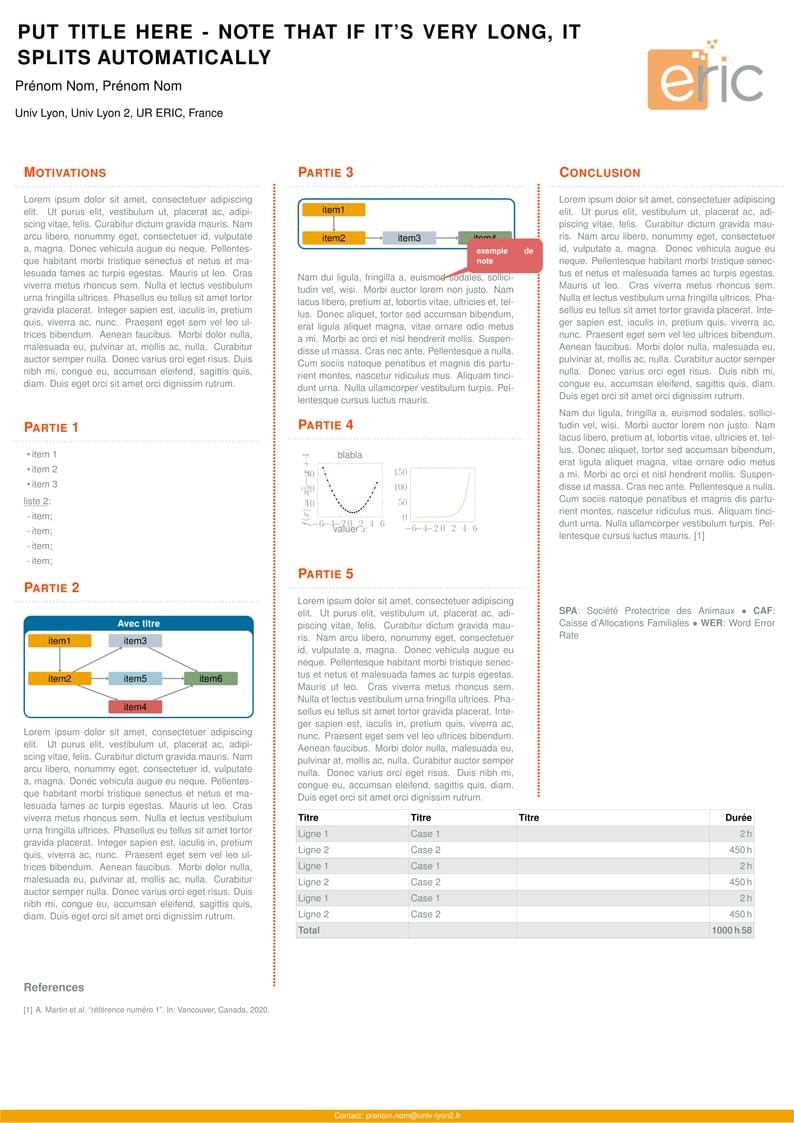
This LaTeX poster presentation template can be used by members of the ERIC lab or adapted by others who wish to use it.
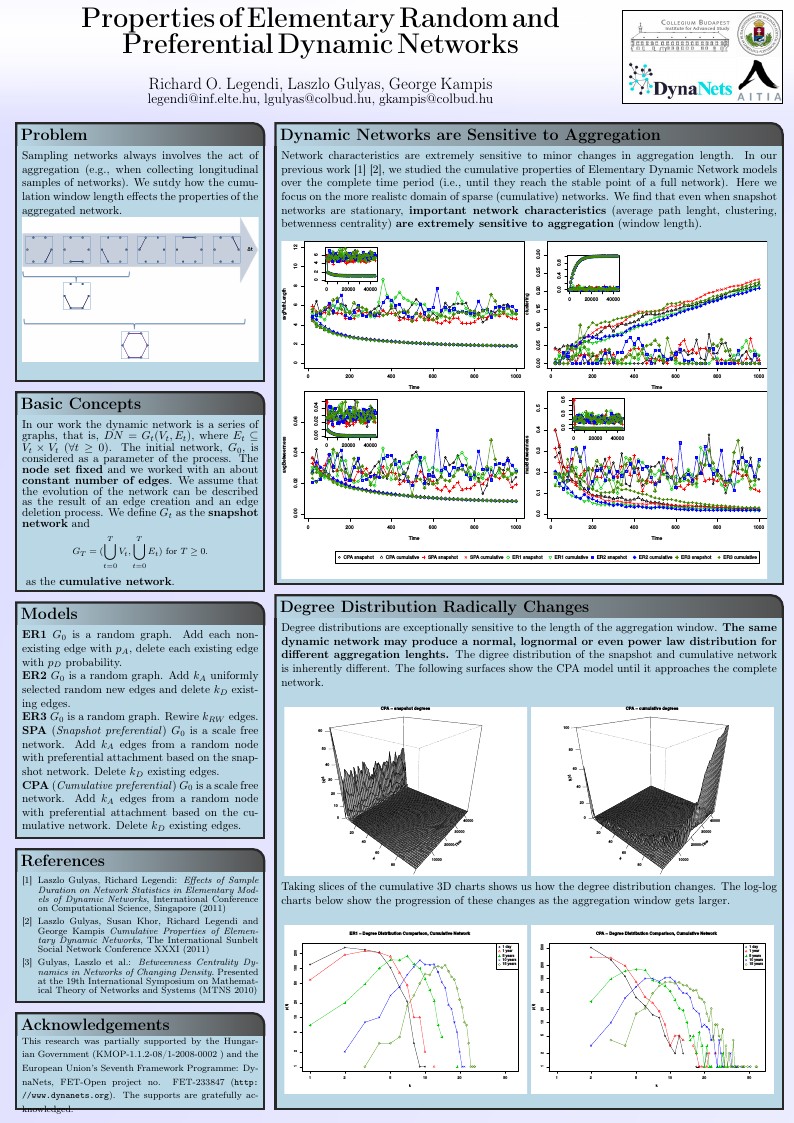
A LaTeX template to efficently design pretty posters for scientific conferences. Posters are composited of blocks with headings, which can be positioned easily on the page, using absolute or relative positioning. A number of predefined styles can be composed to generate new color schemes and ornaments. (Downloaded from http://www.brian-amberg.de/uni/poster/ and https://github.com/anriseth/baposter)
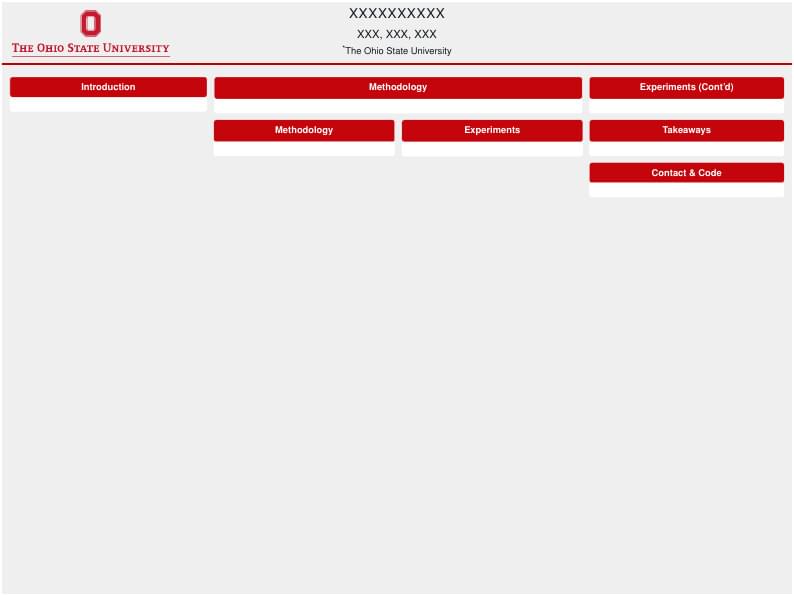
An Ohio State Univ. poster template with OSU theme
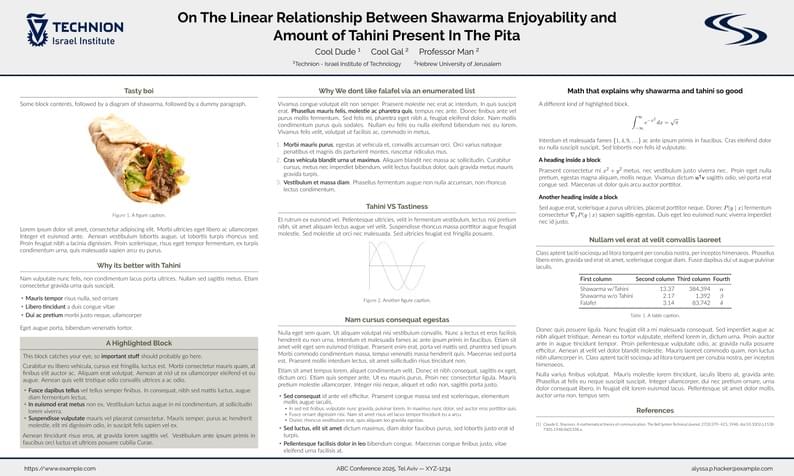
Unofficial Poster Template for Technion Computer Science. I kind of just did this for fun. It is copied from the UChicago one: https://www.overleaf.com/latex/templates/unofficial-poster-template-for-uchicago-computer-science/kbbmbdxwbypb
\begin
Discover why over 30 million people worldwide trust Overleaf with their work.